Session notes that never leave your office.
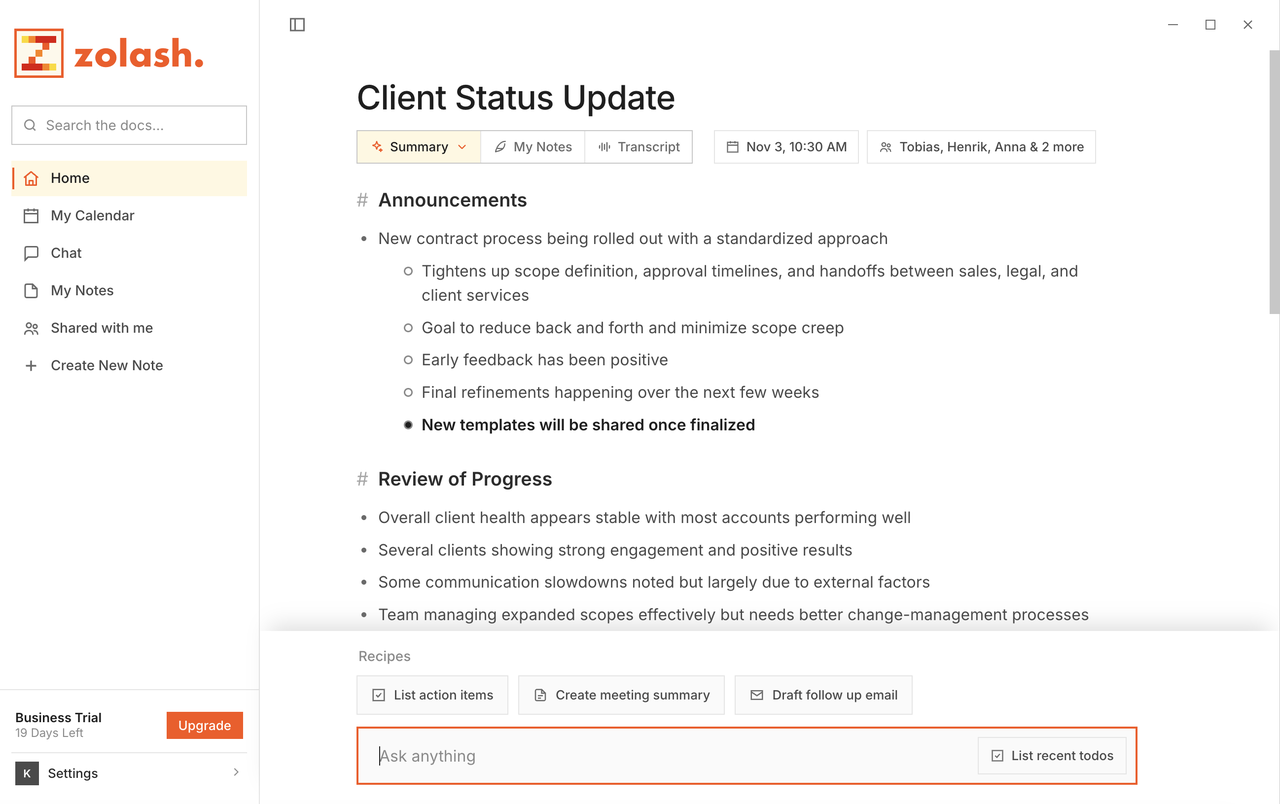
Zolash is a local-first AI notetaker for therapists: it transcribes and summarises sessions entirely on your device, with no bot joining the room. Your confidential session notes stay on your machine and never reach us — so you can stay present with clients and still have accurate records, without sending sensitive conversations to a vendor’s cloud.
Available for macOS, Windows, and Linux. Nothing uploaded.
The stakes
The most personal conversations shouldn’t live in the cloud.
A session is about as sensitive as a conversation gets. Most AI notetakers route your recording, transcript, and summary through their servers — turning private client sessions into data held by a third party. That exposure is exactly what a confidential practice can’t accept.
- Session conversations are deeply personal and shouldn’t sit on a vendor’s servers
- A bot joining the session is intrusive and breaks the space you’ve built
- You still need accurate notes without spending the session typing
Notes without breaking presence
Be with your client — not with your keyboard.
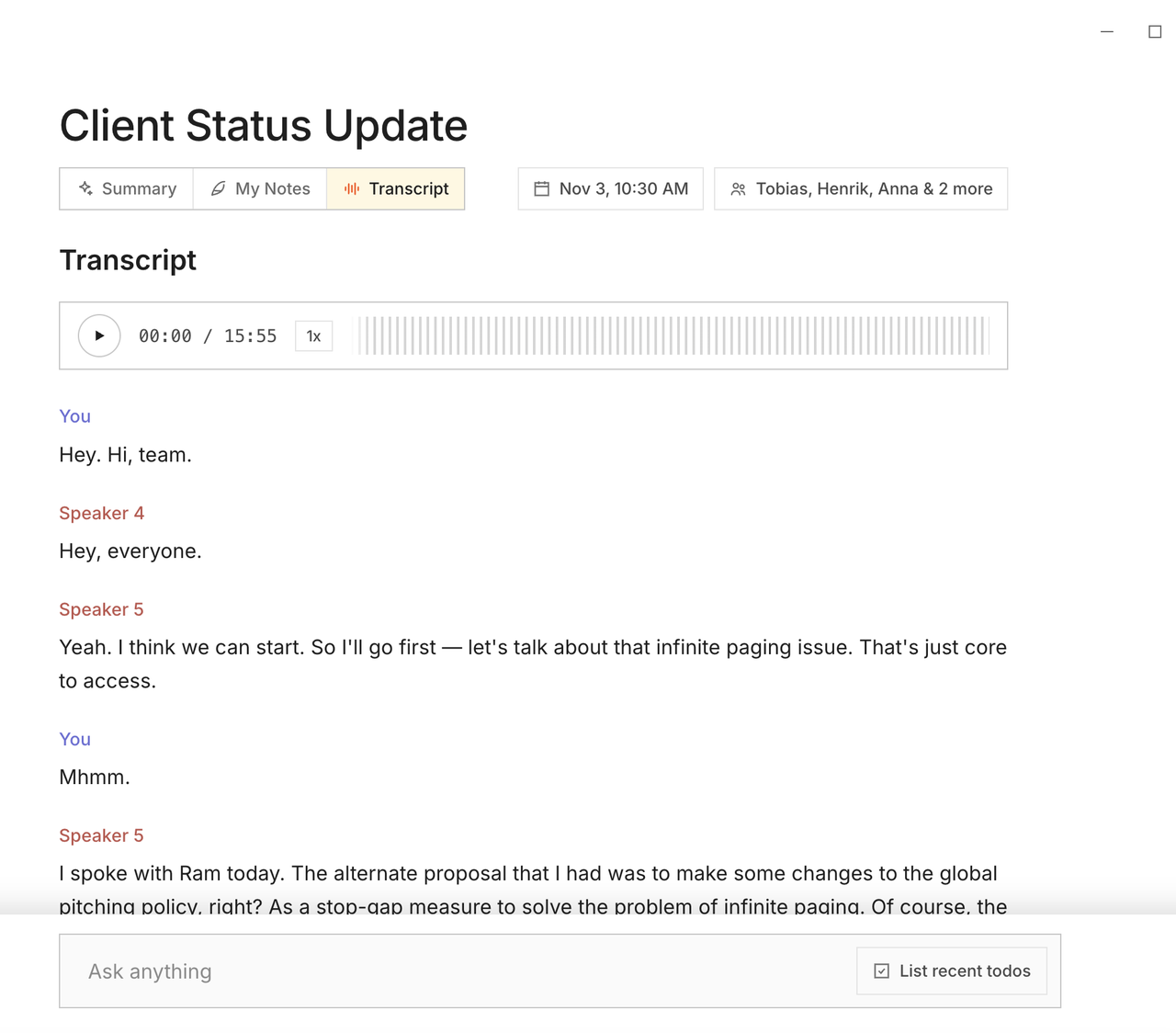
Zolash listens from your computer and writes the notes, so you can stay present through the session instead of typing. Afterwards you get a structured summary and a full transcript, generated on your device, ready to review and edit.
Records that stay in your office
Session notes that never leave your machine.
Recording, transcription, and summaries all happen locally. Your session records are files you own, stored on your device — not uploaded to a service, and never seen by us. You decide what to keep and what to delete.
Confidential by architecture
Session content stays on your device, so there’s nothing to expose.
Zolash keeps session recordings, transcripts, and summaries on your machine and never transmits them to us or anyone else. There’s no cloud copy of a session to be breached or repurposed, and nothing is ever used to train a model. We state plainly what we guarantee — data stays local, nothing is uploaded, we never receive it — and leave you to map it to your own professional and ethical obligations.
A day with Zolash
Full attention in the room, accurate notes after.
Your client arrives and you give them your full attention — no laptop between you, no bot in the room. Zolash records quietly from your computer. When the session ends, you have a structured summary and a transcript you can refine into your notes, stored as a local file only you can open. The session stays in your office, exactly as your clients would expect.
The features that matter here
Built on what you need most.
Questions, answered.
Are my sessions uploaded or stored on your servers?
No. The recording, transcript, and summary all stay on your device. Session content is never uploaded to us or a third party, so there is no cloud copy of a session.
Does a bot join the session?
No. Zolash records from your own computer, so nothing joins the room and nothing appears in a participant list. We recommend informing clients that the session is being recorded and following the consent rules where you practise.
Can I edit and delete session notes myself?
Yes. Notes are local files you own — you can correct the transcript, edit the summary, and delete a record entirely. When you delete it, there’s no server-side copy left behind.
Is Zolash appropriate for confidential client sessions?
We make architectural guarantees, not certifications: because session content never leaves your device and never reaches us, there’s no vendor copy to expose. Many practitioners with strict confidentiality needs use that as the basis for their own assessment against the obligations that apply to them.
Keep sessions private — and on your device.
Start your free trial. The on-device model is built in — nothing to configure, and no meeting content ever leaves your machine.
Available for macOS, Windows, and Linux. Nothing uploaded.