No bot ever joins your call.
Zolash is a bot-less AI notetaker: it captures your computer's own audio on your device, so nothing joins the meeting and nothing appears in the participant list. There's no robotic guest to admit, and no meeting-platform account to connect — it works across Zoom, Meet, Teams, and in-person conversations alike.
Available for macOS, Windows, and Linux. Nothing uploaded.
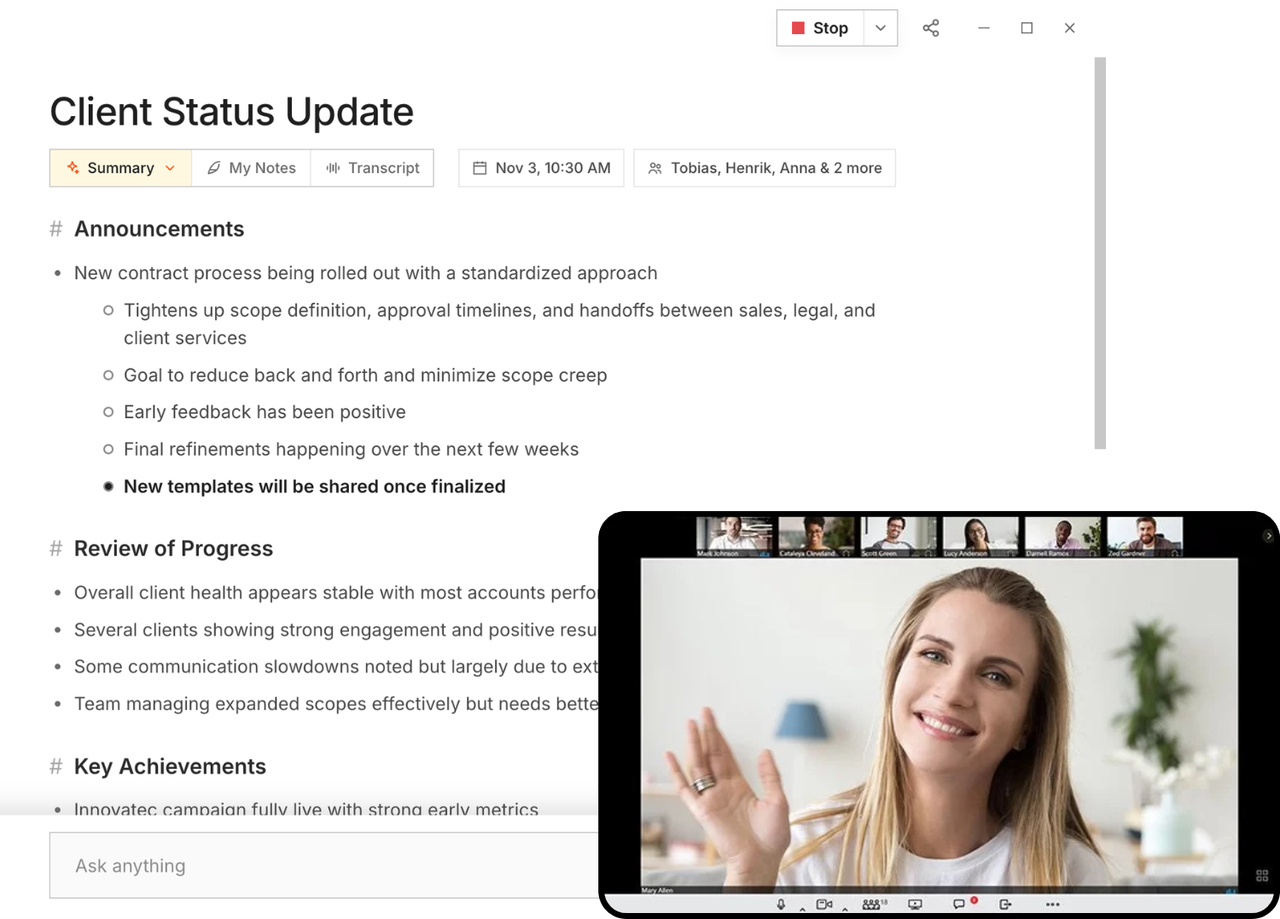
Nothing joins the call
There's no bot to admit, name, or explain.
Zolash captures your computer's own audio, so no participant with a robotic name slides into the meeting. Nobody has to approve a stranger from the waiting room, and no one wonders who's recording. The room is exactly who you invited.
Works everywhere audio does
Zoom, Meet, Teams — and the table in front of you.
Because Zolash listens to your device rather than logging into a platform, it works the same across every video tool and for in-person conversations too. One notetaker for calls, hallway chats, and client meetings, without a per-platform integration to babysit.
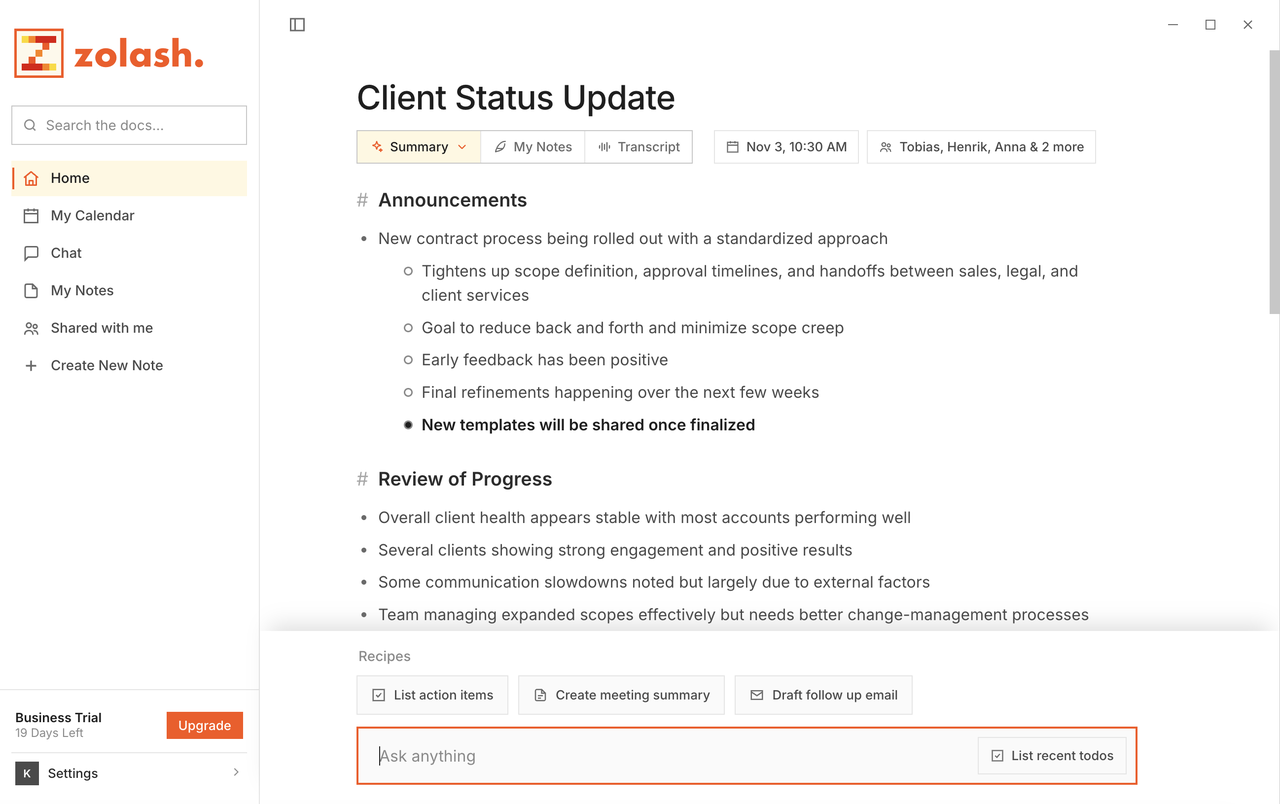
Why local matters here
Nothing to admit into the room.
A bot in the call is also a pipe to someone's cloud. By capturing on your device instead, Zolash removes both the awkward guest and the upload — the audio is recorded and processed right where you are, and never leaves to be transcribed.
See the privacy architectureWhat’s included
- Captures your device audio — no meeting bot or guest account
- Works across Zoom, Google Meet, Microsoft Teams, and more
- Captures in-person conversations, not just video calls
- You start and stop recording yourself, on your device
- Nothing appears in the participant list
- No platform integration or admin approval to set up
Questions, answered.
How does Zolash record without a bot?
It captures your own computer's audio locally, the same way a screen recorder captures your screen. Because it works from your device, there's no need to send a bot into the meeting or connect to the meeting platform's account.
Will other participants see that I’m recording?
Nothing from Zolash appears in the participant list — there's no bot to show up. That's exactly why we recommend telling participants you're recording and following the consent rules for your region.
Does it work for in-person meetings?
Yes. Since Zolash captures audio on your device rather than joining a call, it works for in-person conversations as well as video meetings.
Which meeting platforms are supported?
Any platform whose audio plays on your computer — Zoom, Google Meet, Microsoft Teams, and others — because Zolash listens to your device rather than integrating with each service.
Take notes without sending a bot.
Start your free trial. The on-device model is built in — nothing to configure, nothing to upload.
Available for macOS, Windows, and Linux. Nothing uploaded.