Editable AI summaries from sparse notes.
Zolash turns each meeting into a structured, editable summary — decisions, owners, and next steps — from the conversation itself, whether you jotted a few notes or none at all. Pick a template per meeting type, edit any line, and keep the transcript one tab away. Every summary is generated locally on the on-device model.
Available for macOS, Windows, and Linux. Nothing uploaded.
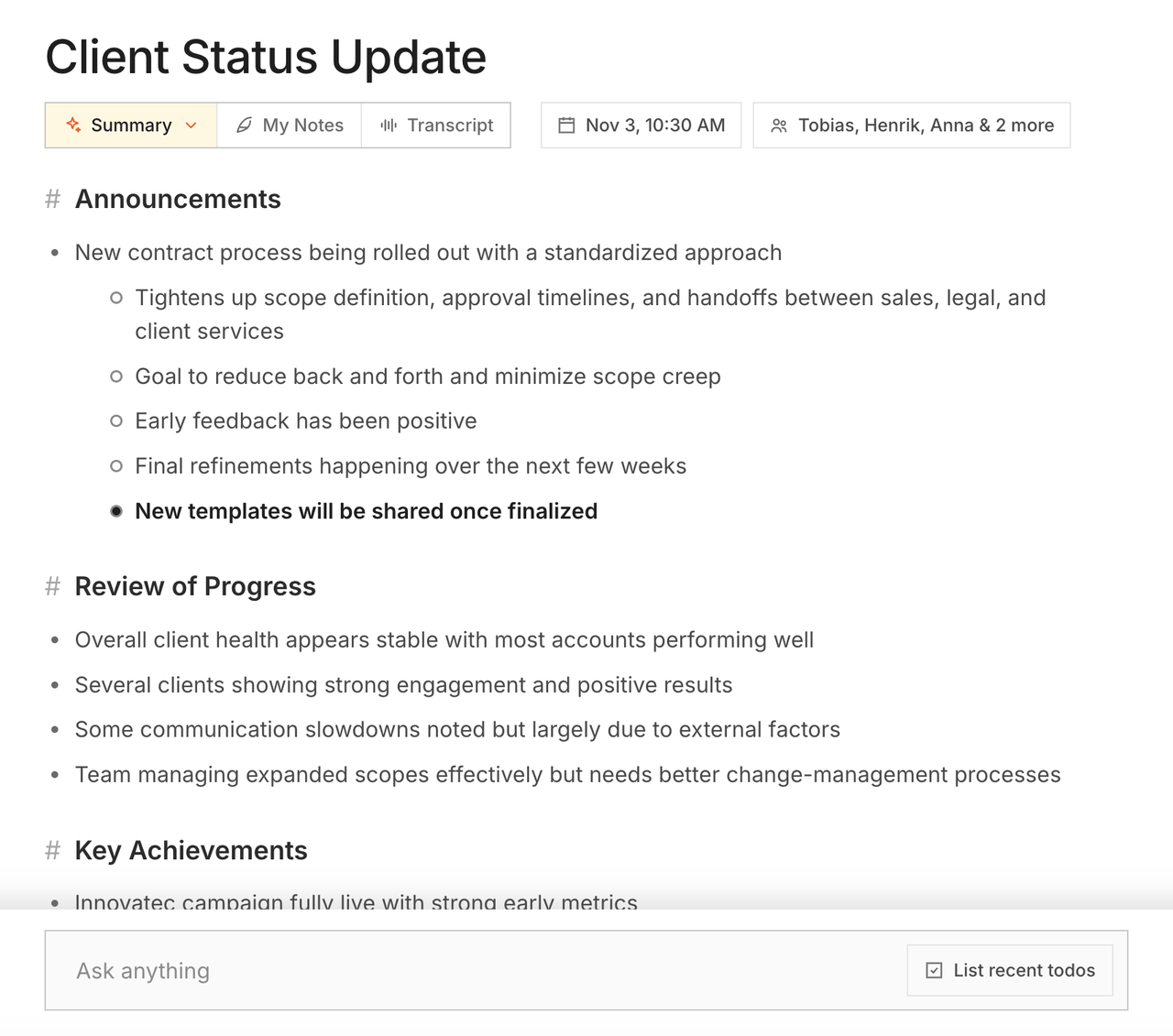
Sparse notes in, structure out
Type a few fragments — or nothing — and get a real summary.
Zolash reads the full conversation and returns a structured summary: the decisions, the owners, and the next steps, written in clean prose rather than a raw transcript. Jot a stray note if you like; you don’t have to. The point is to let you stop typing and pay attention.
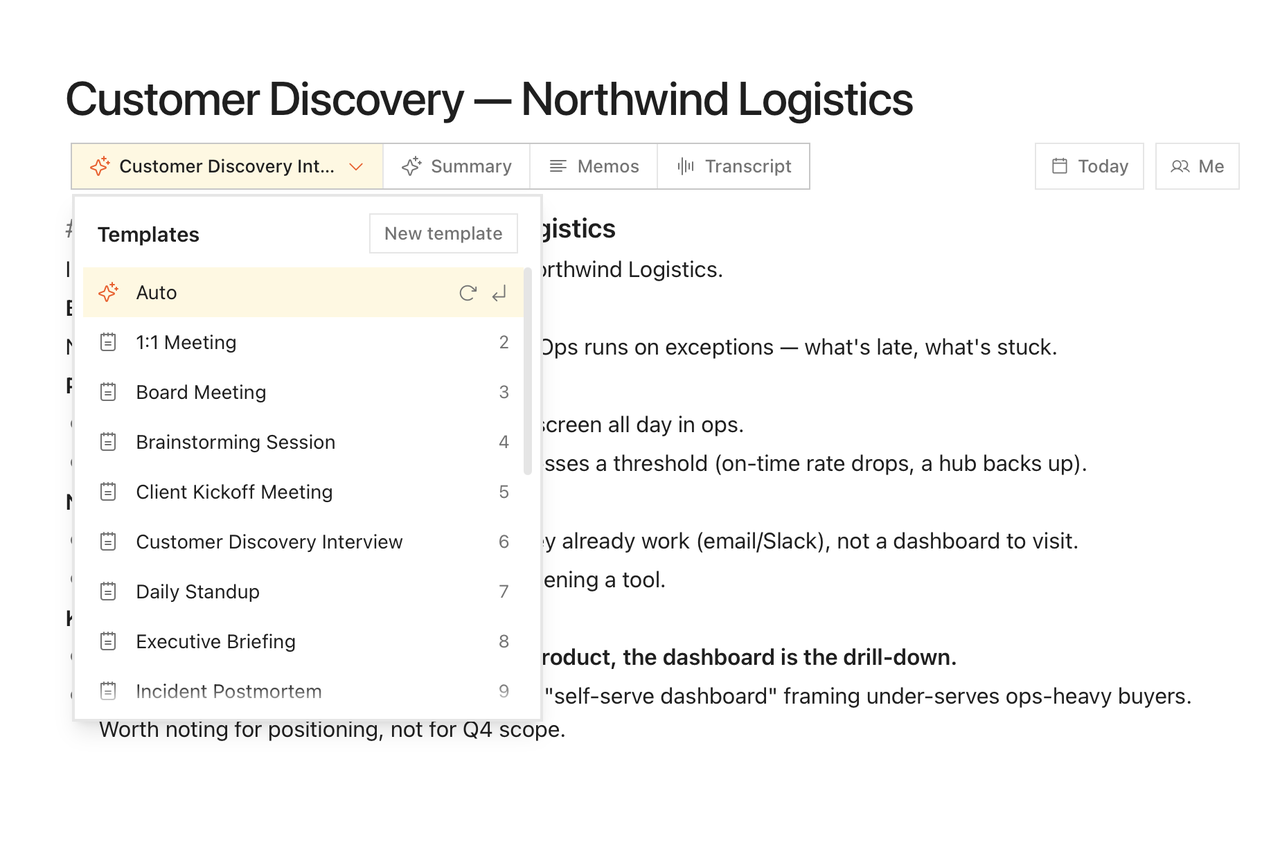
A template per meeting type
Standups, client calls, interviews — each shaped to fit.
Pick a template and the summary is organised for that kind of meeting: a 1:1 reads differently from a sales call or a design review. Every summary is fully editable, so you can fix a line, add a note, or restructure it — and the transcript stays one tab away for context.
Why local matters here
Summaries generated where your data already is.
A summary is a distilled copy of everything sensitive in your meeting. Zolash creates it on your device, so that distilled record is never uploaded to a summarisation service. The summary, the transcript it came from, and your edits all stay on your machine.
See the privacy architectureWhat’s included
- Structured summaries: decisions, owners, next steps
- Templates tailored to different meeting types
- Fully editable — correct or restructure any line
- Tables and checkboxes for action items
- Transcript one tab away for instant context
- Generated locally on the on-device model
Questions, answered.
Do I have to take notes during the meeting?
No. Zolash produces a full summary from the conversation itself. You can add a sparse note if you want to steer emphasis, but the summary doesn’t depend on it — the goal is to let you stop typing.
Can I edit the summary?
Yes. Every summary is fully editable. Fix a line, add context, or restructure it, and the transcript stays one tab away so you can check the source.
What are templates for?
Templates shape the summary for a specific kind of meeting — a 1:1, a sales call, an interview, a design review — so the output is organised the way that meeting type calls for.
Are summaries generated in the cloud?
No. Summaries are produced by the on-device model, so your transcript is never uploaded to be summarised. The whole process stays on your machine.
Be present. Zolash writes the summary.
Start your free trial. The on-device model is built in — nothing to configure, nothing to upload.
Available for macOS, Windows, and Linux. Nothing uploaded.