Your meetings never leave your machine.
Zolash is a local-first AI notetaker: the recording, the transcript, the summary, and the AI that produces them all run and stay on your device. Nothing is uploaded to be processed, so your meeting content never becomes someone else's cloud data. It's the whole point of the product — architecture, not policy.
Available for macOS, Windows, and Linux. Works offline. Nothing uploaded.
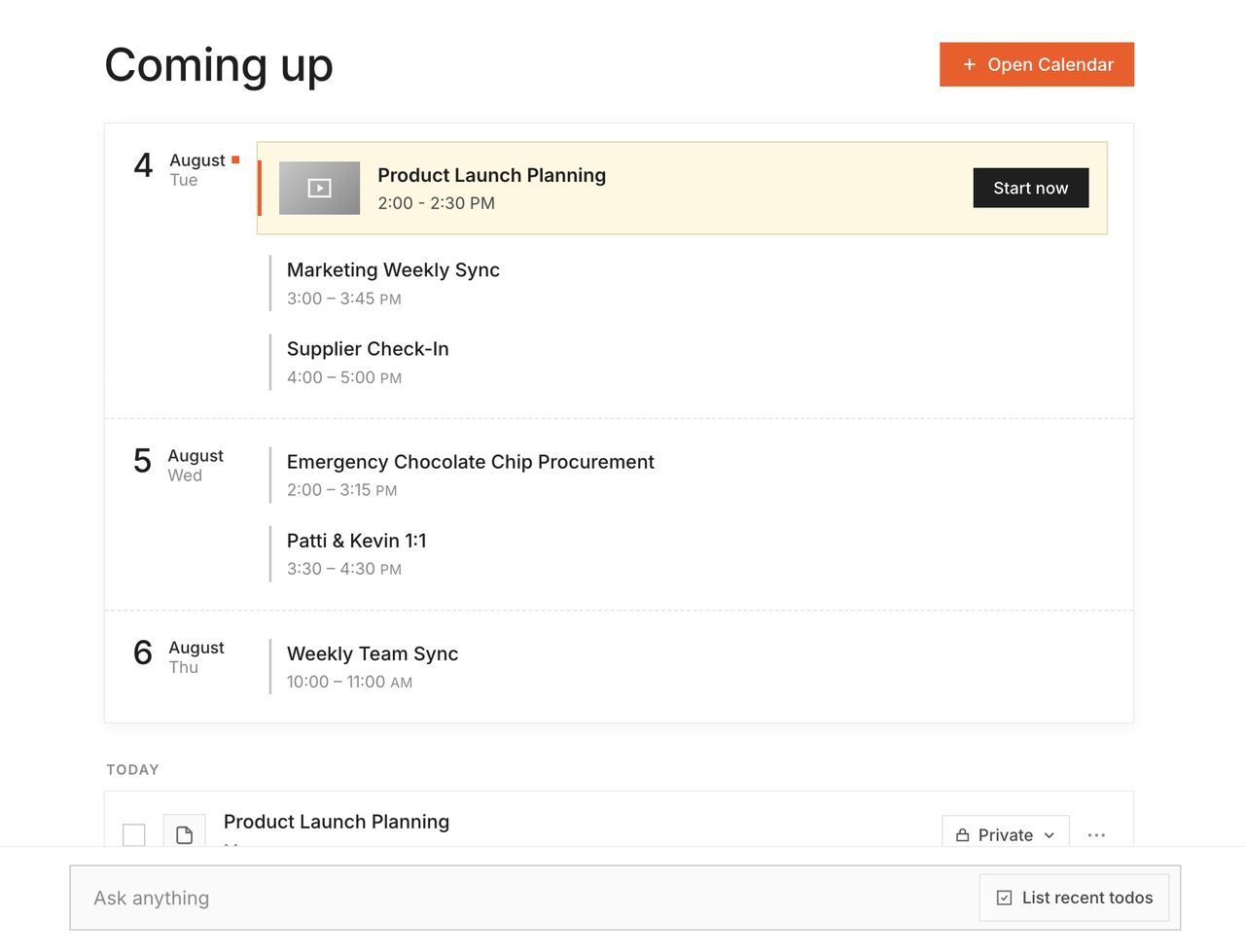
On-device processing
The heavy lifting happens on your machine.
Transcription and AI summaries are the parts other tools do in their cloud. Zolash runs them locally with a meeting-tuned model — so there's no upload, no queue, and no server that ever holds your conversation. Your CPU or GPU does the work, right where your data already lives.
How the on-device model works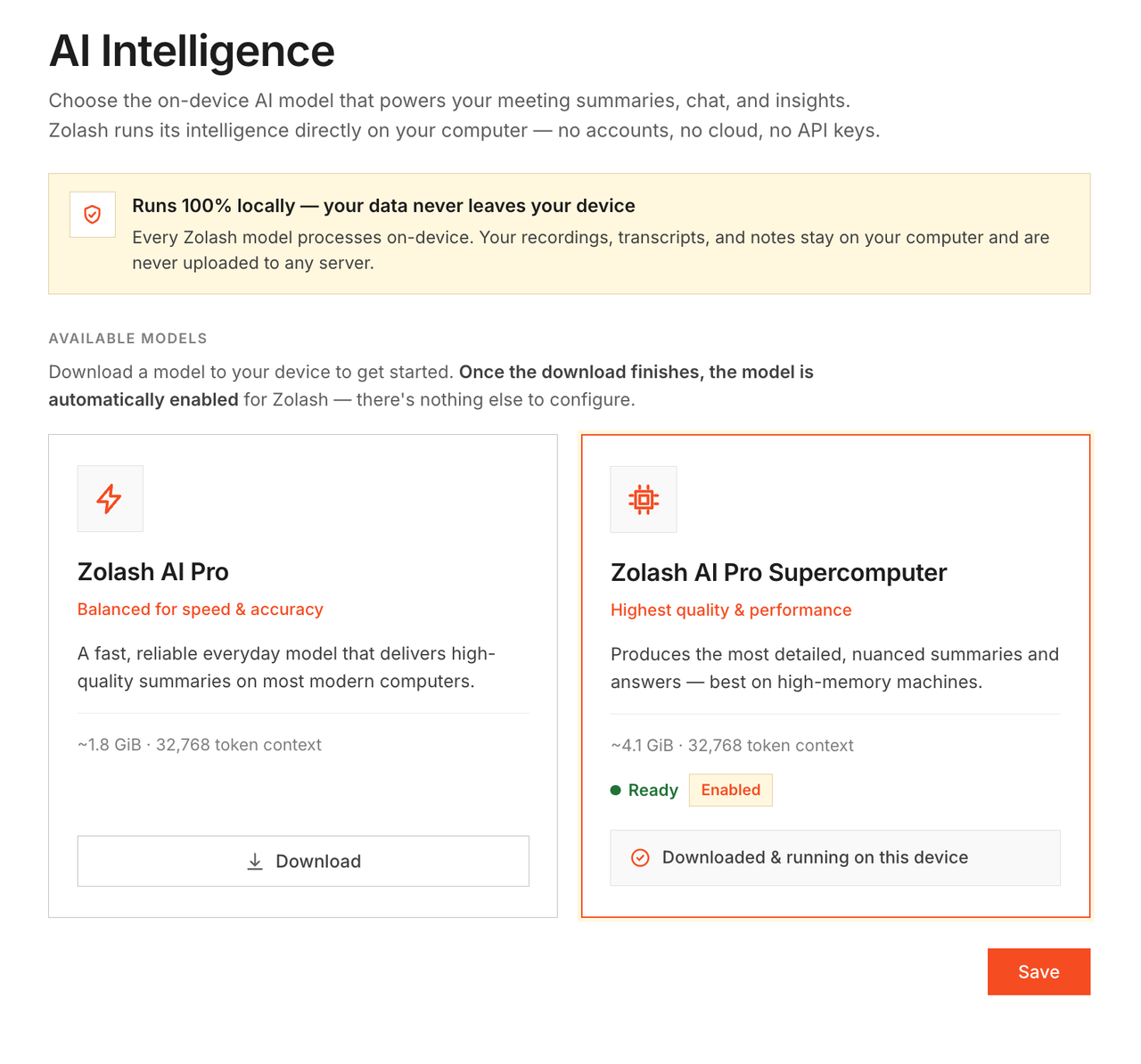
Local files you own
Your meetings live on your disk, in formats you can read.
Every recording, transcript, and summary is a file in a folder you control. Back it up, move it to another machine, open it in another app, or delete it — no export queue, no permission needed. There is no cloud copy, because there is no cloud.
See how your files are stored Works offline
A plane, a locked-down office, a dead connection — it still works.
Because nothing needs a server, Zolash records, transcribes, and summarizes with no internet at all. Great for travel and for environments where the network is restricted by policy. When you reconnect, still nothing about your meeting is uploaded.
Read the privacy architecture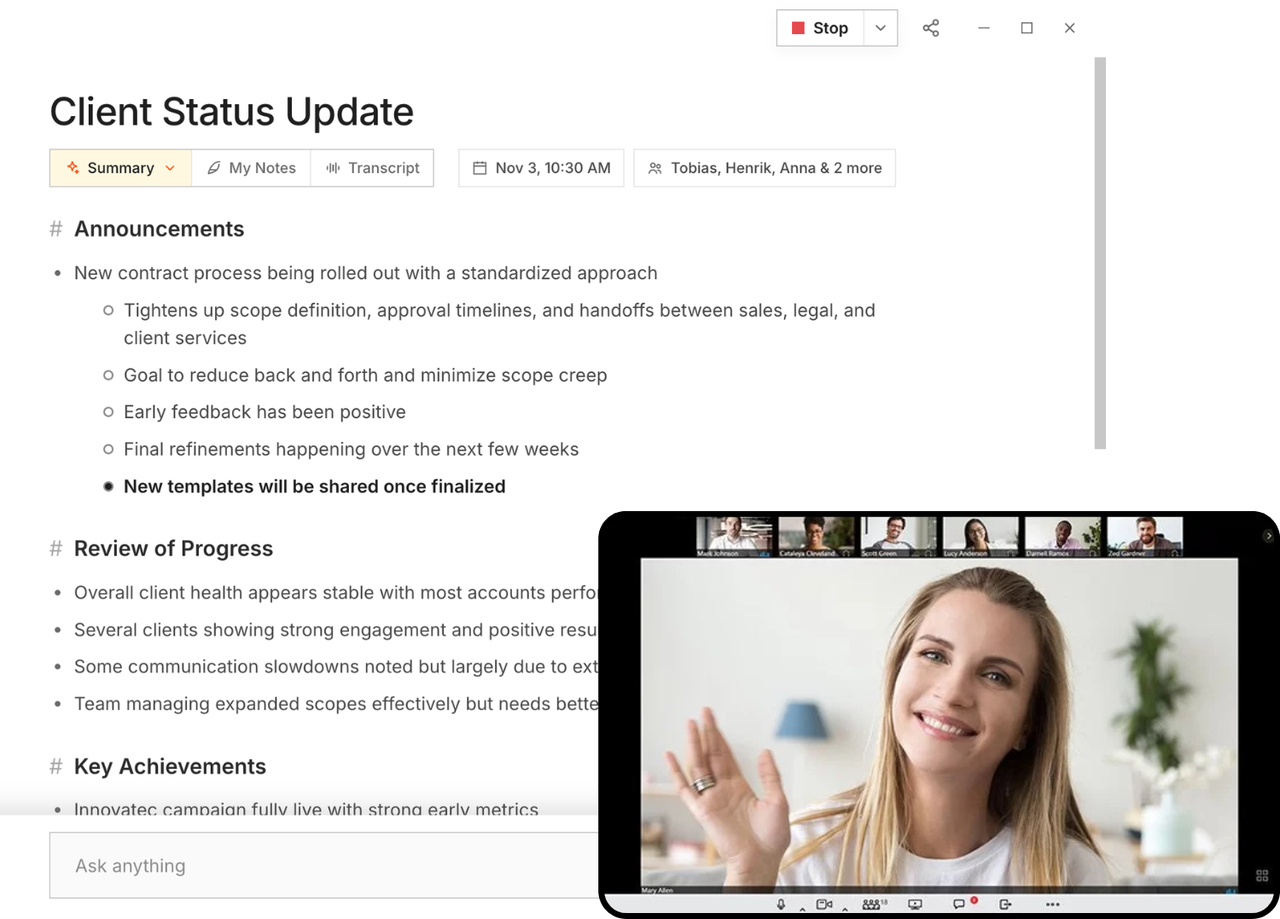
Why local matters
Same notes. A completely different path.
On the surface, every notetaker gives you a summary. Underneath, the difference is whether your conversation makes a round trip through someone's cloud. With Zolash, it doesn't.
Zolash — everything stays on your machine
No meeting content leaves the boundary.
Cloud notetakers — the round trip you don't control
Your content becomes their cloud data.
0
bytes of meeting content uploaded
∞
meetings — no caps, no AI credits
100%
on-device recording, transcription & AI
What that gives you
Local-first, in the concrete.
No bot in the call
Zolash captures your device's own audio, so nothing joins the meeting and there's nothing to admit into the room.
On-device transcription
Speaker-labelled transcripts generated locally — audio is never uploaded to be turned into text.
Local AI summaries
Summaries, action items, and chat answers are produced by a model running on your machine.
Open, readable formats
Your notes are stored as files you can open anywhere — portable, inspectable, and yours to move.
You control deletion
Remove the files and the data is gone. We hold no copy to delete because we never received one.
You trigger every export
Nothing leaves your device until you push it somewhere — to Slack, Notion, or a Markdown folder.
Full disclosure
The only things that ever touch the network.
"Local-first" doesn't mean "never connects." Here are the only three paths that do — none of them carries your meeting content.
License & billing check
Confirms your subscription is valid. Sends your license key and account status — no meeting content.
Calendar sync (opt-in)
If you connect a calendar, reads event titles and times to label meetings. Optional, and revocable.
Exports & integrations (you trigger)
Sends only the specific note you choose to push, only when you click. Never automatic.
Want the precise, complete breakdown? Read the full privacy architecture →
Local-first, answered.
What does "local-first" actually mean?
It means the app does its real work — recording, transcription, and AI summaries — on your own device rather than on a server. Your meeting content stays on your machine by design, not by a policy that could change later.
Is a local model as accurate as a cloud one?
Yes. Zolash's model is purpose-built for meetings and runs at full quality on your device. Local doesn't mean lightweight — it means the processing happens where your data already is.
Will running the AI locally slow down my computer?
The model is tuned to run on typical modern laptops and desktops. It uses your machine while it processes a meeting, then gets out of the way — and you avoid the upload, queue, and metering that come with cloud tools.
If it is all local, can I sync between my devices or share with my team?
Today Zolash is deliberately single-device and local — that's exactly what lets us keep your content on your machine. Your notes are local files you can move yourself. Sync and team features aren't part of the product today.
Does local-first mean it works offline?
Yes. Once installed, everything works with no internet connection. The only paths that ever use the network are a license check, opt-in calendar sync, and exports you trigger.
Keep every meeting where it belongs — on your machine.
Start your free trial. The on-device model is built in, so there's nothing to configure and nothing to upload.
Available for macOS, Windows, and Linux. Works offline. Nothing uploaded.